
The Tutorial
New to YidCraft? Reb Tuvia, the guide, shows you how everything works, with short scenes you watch instead of walls of text.
Finding him
Section titled “Finding him”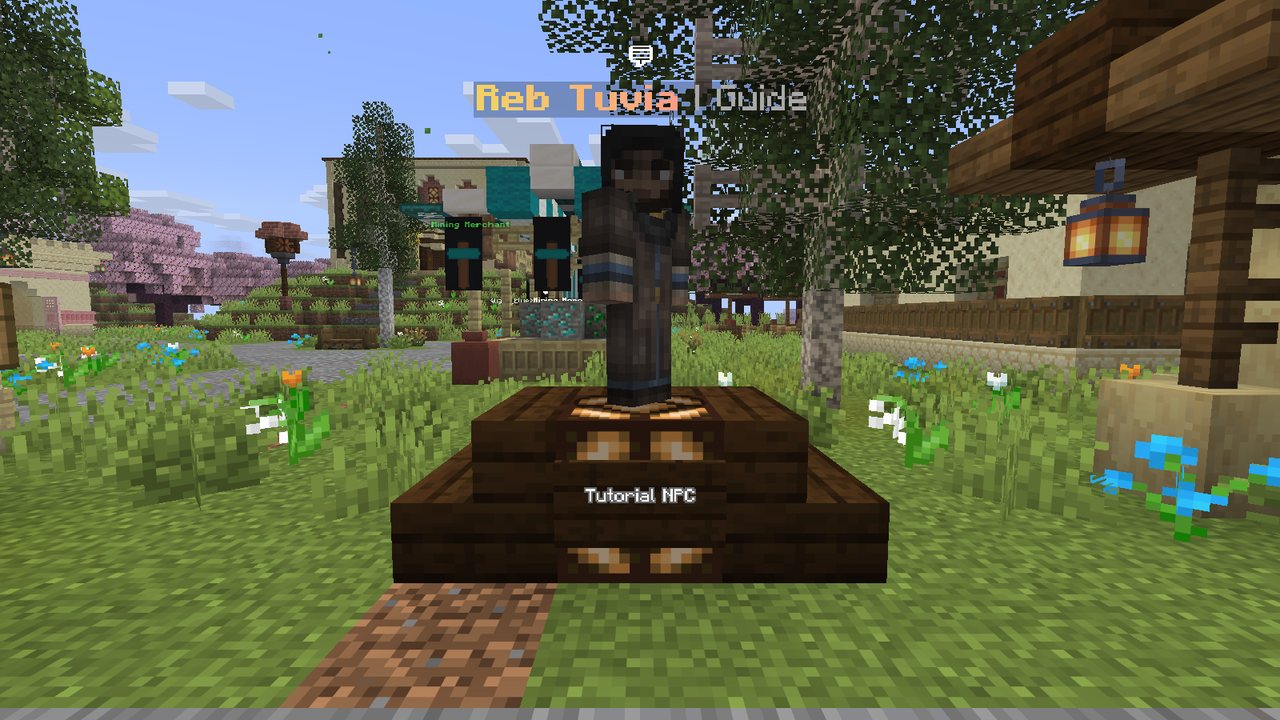
Reb Tuvia stands by the fountain at spawn. Right click him: the screen fades, and you are on his island, a quiet stage where there is room for his scenes. He greets you and opens the tutorial menu.
The sections
Section titled “The sections”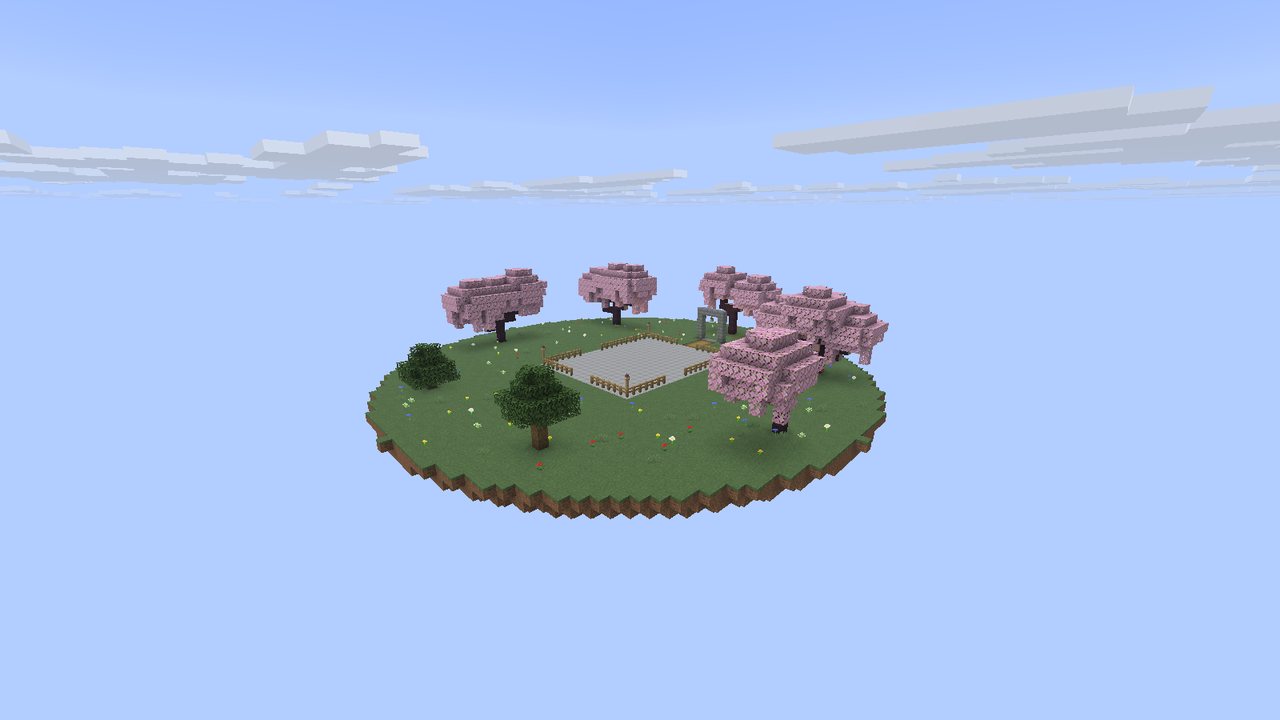
Pick any section, in any order, and come back for the rest whenever you like.
| Section | What you learn |
|---|---|
| Kosher Food | What you can eat, what you can’t, and why meat takes more work |
| Shechita | Toiveling the knife and the oven, then watching a shochet at work |
| Brachos | Modeh Ani in the morning, and the bracha on a mezuzah |
| Mezuzah | Putting one up, and who can open your door after |
| Economy | Shekels: earning them, keeping them, trading them |
| Server Basics | Getting home, teams, and what you already know |
| Exploration | The rare sefarim hidden out in the world |
| Boss Hunting | Reb Yehoshua, the quests he gives, and the bosses waiting out there |
| Teams | Playing with friends: team chat, a team home and shared doors |
Some sections end with a quick question. Pick an answer and the guide tells you whether you got it, and why.
After each section you get a link to its page on this wiki.
Finish every section and you earn 100 Shekels, once.
While you are on the island, other players’ chat waits for you, so nothing interrupts a scene. You get it all when you come back.
Going back
Section titled “Going back”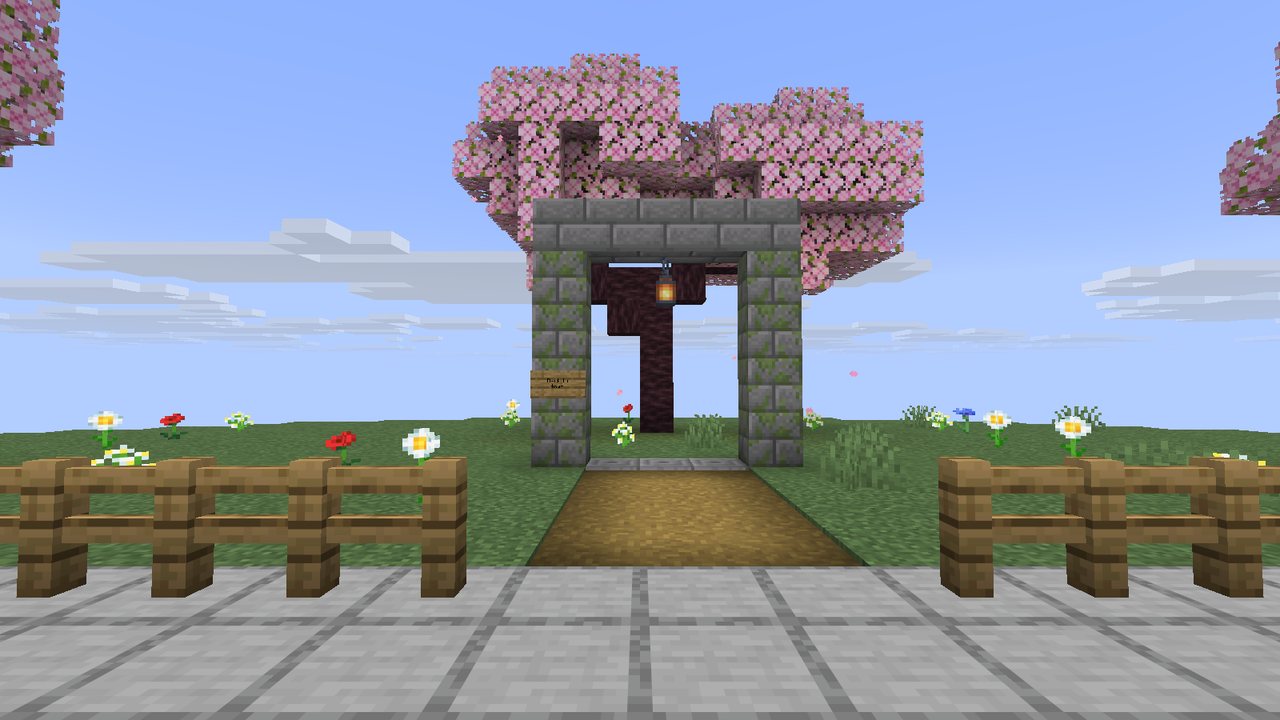
- Choose “I’m done for now” in the menu, and a few seconds later you are back in town, in front of Reb Tuvia.
- Or walk through the stone arch past Reb Tuvia on the island, marked “Back to town”. It takes you back whenever you like.
- Or type
/tutorial leaveat any point, even in the middle of a scene.
Talk to Reb Tuvia again whenever you want to carry on. He remembers which sections you have done.
/tutorial wiki sends you the link to this wiki.