
Investing
Investing allows players to participate in the YidCraft economy by buying company shares, tracking their wealth, and making strategic decisions based on market changes.
Viewing Companies
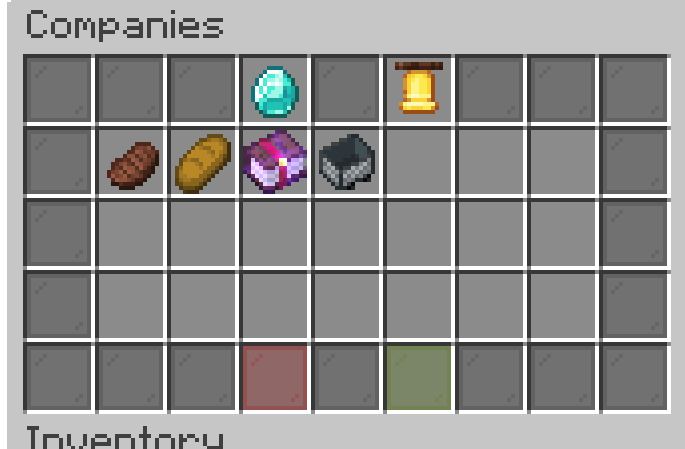
Section titled “Viewing Companies”To browse all available companies, use:
/invest companiesThis command opens a list of all companies currently available for investment.
Company Information
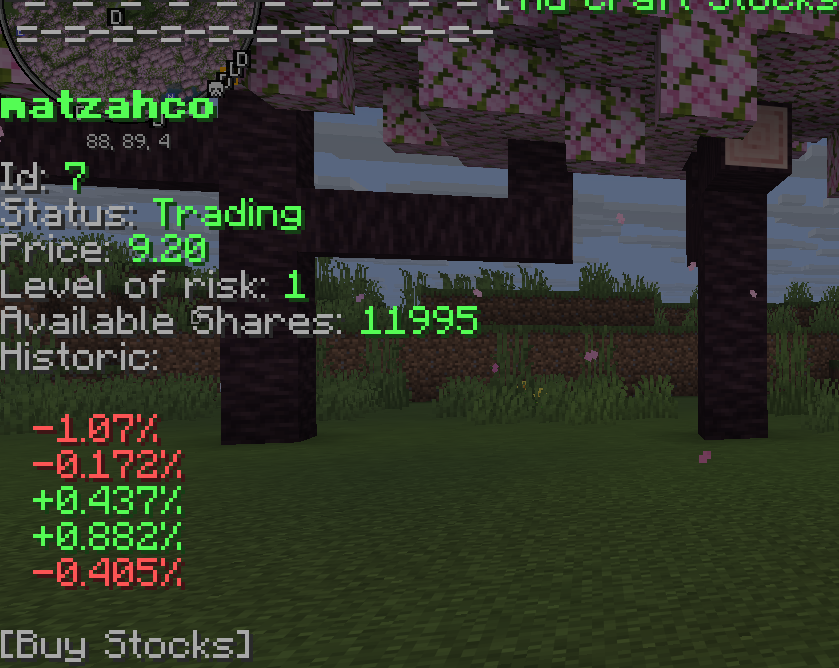
Section titled “Company Information”Selecting a company opens a detailed company menu where you can view:
- Current stock price
- Company information
- Available shares
- Buying and selling options
Your Portfolio
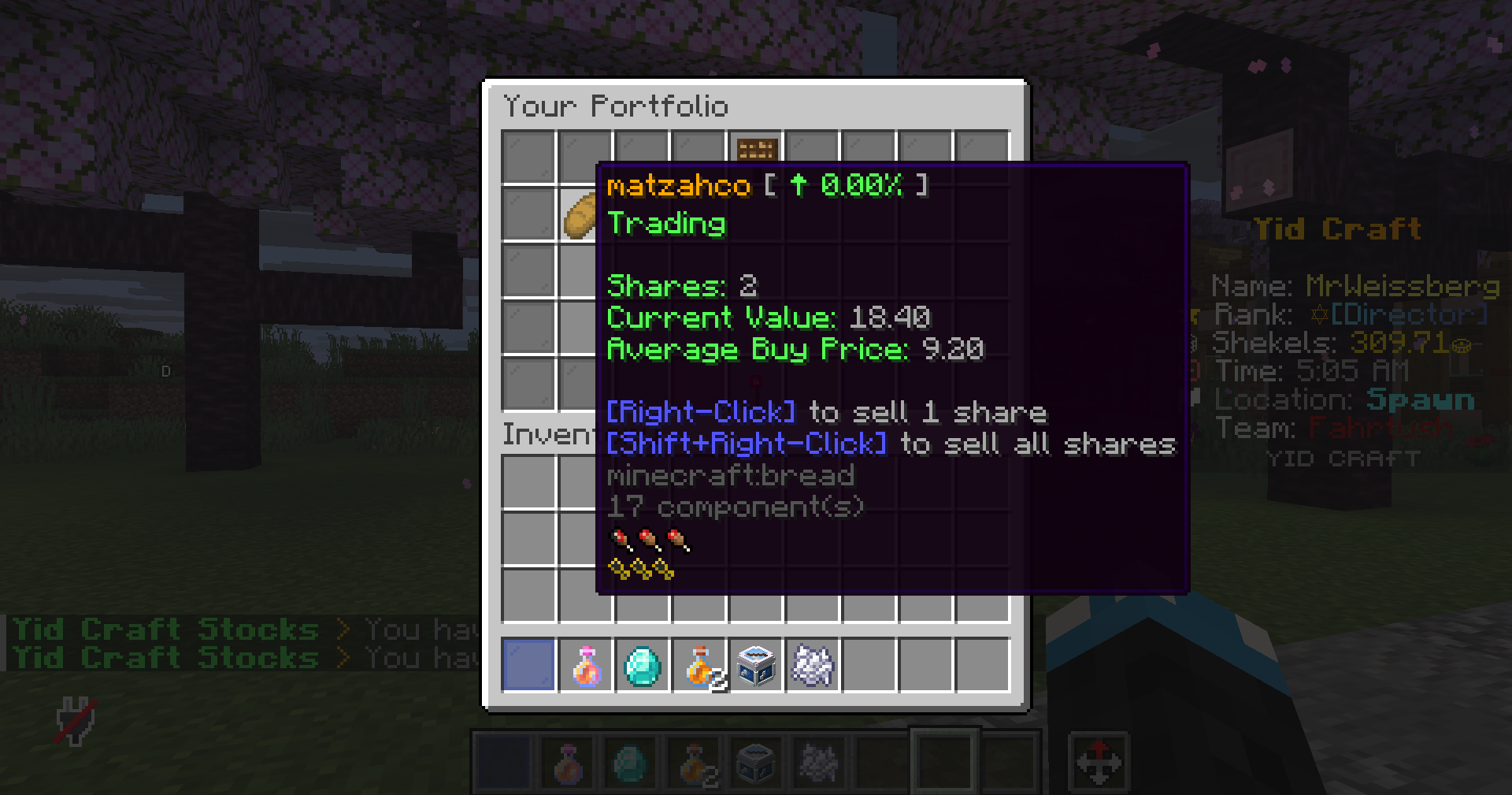
Section titled “Your Portfolio”Your portfolio allows you to manage and track your investments.
You can view:
- Owned company shares
- Current investment value
- Profits and losses
- Overall portfolio performance
Bankrupt Companies
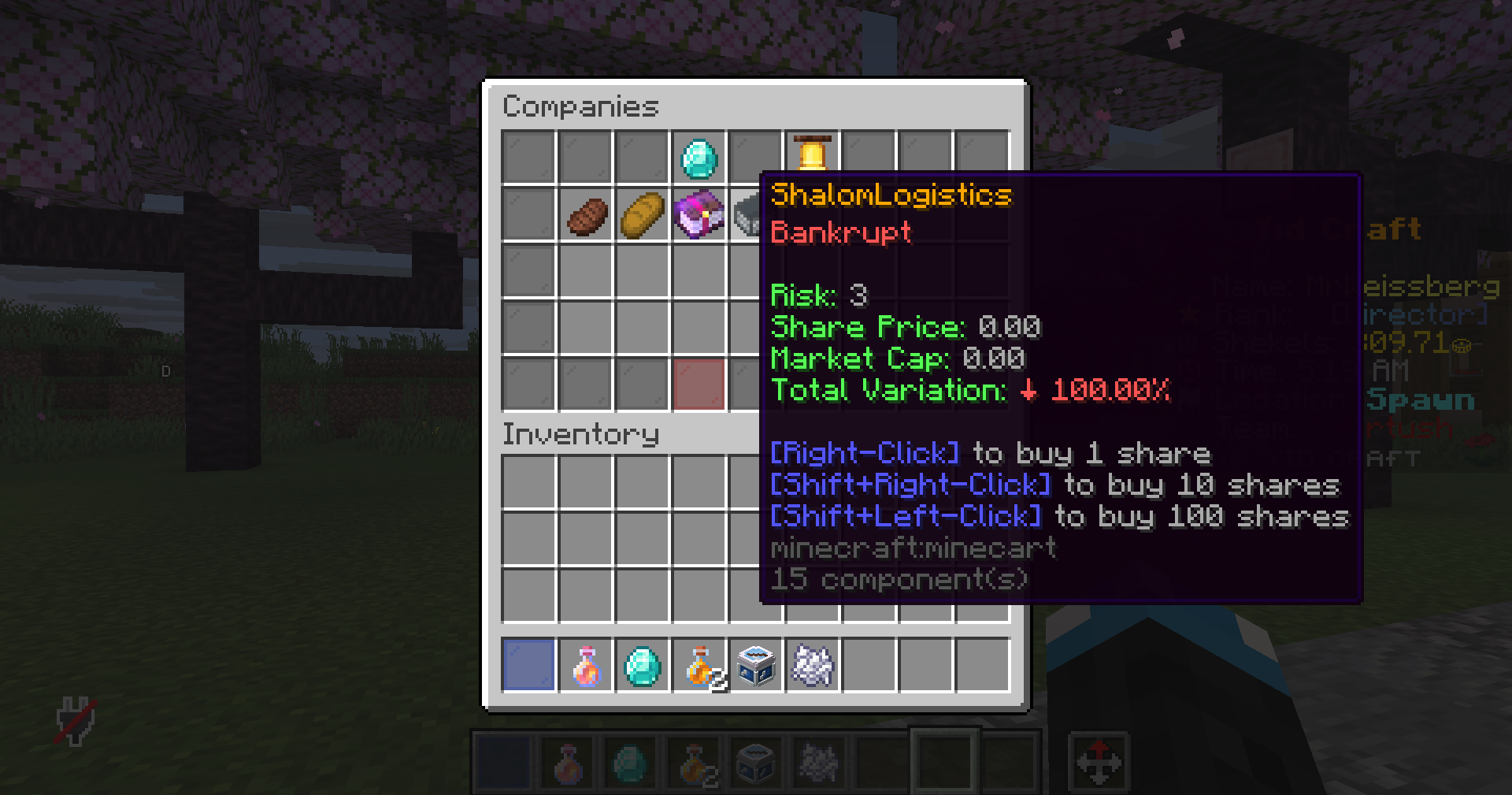
Section titled “Bankrupt Companies”Not every company succeeds. Companies that fail are moved to the bankrupt companies list and can no longer be traded.
Investment Tips
Section titled “Investment Tips”Commands
Section titled “Commands”| Command | Description |
|---|---|
/invest |
Opens the main investing menu. |
/invest help |
Displays the investing help menu. |
/invest portfolio |
Opens your investment portfolio. |
/invest buy |
Purchase shares in a company. |
/invest sell |
Sell shares that you own. |
/invest companies |
View all available companies. |
/invest company |
View detailed information about a company. |
/invest notification |
Toggle investment notifications on or off. |